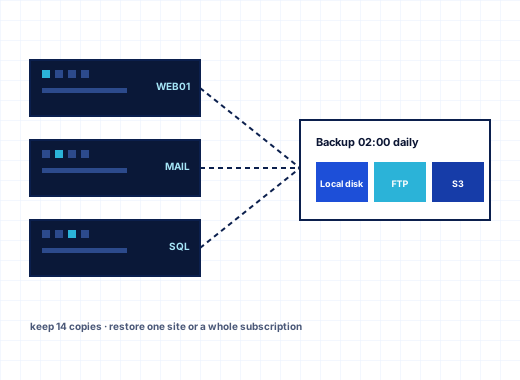
Windows hosting backup at server, customer and subscription level#
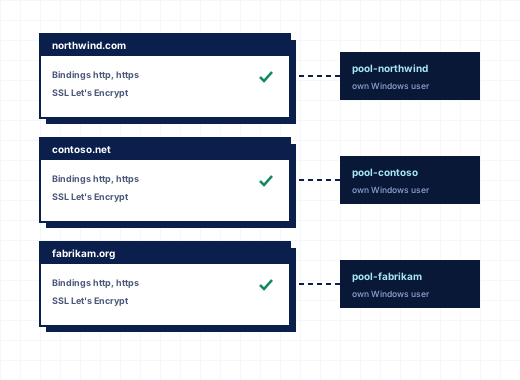
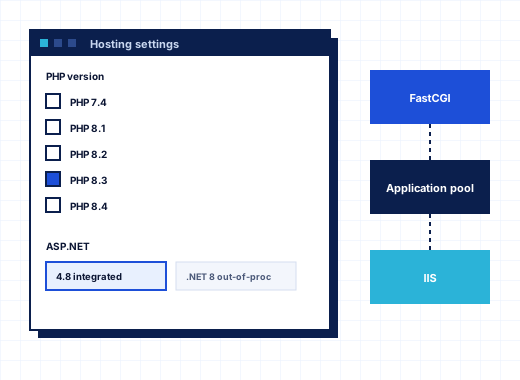
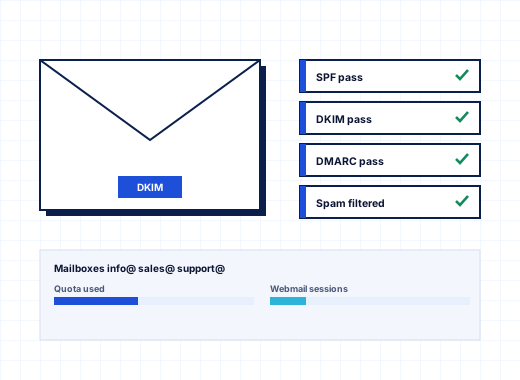
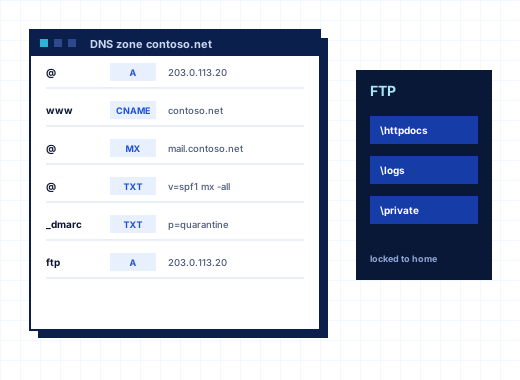
A Windows hosting server holds more than website files. Each account also has IIS settings, application pools, a Windows system user, MariaDB or SQL Server databases, mailboxes, DNS zones and FTP accounts. A backup that only copies C:\inetpub leaves you rebuilding half of that by hand. The StackRegent Backup Manager captures the whole account and works at three levels:
| Level | Where you open it | What it covers |
|---|---|---|
| Server | Tools & Settings › Backup Manager | Every subscription on the server, and optionally the service plans and panel settings |
| Customer or reseller | Backup Manager button on the account's page | That account and all its subscriptions |
| Subscription | Backup Manager button on the subscription's page | One subscription |
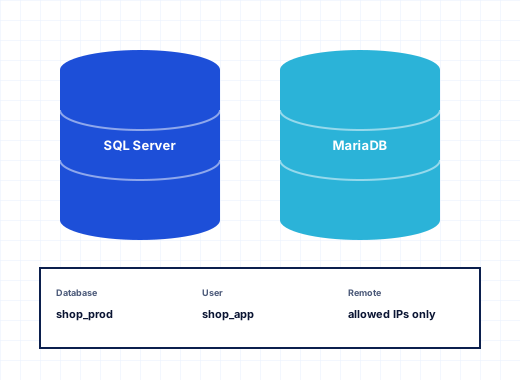
Every backup always includes the Configuration of what it covers: domains, hosting settings, mail accounts, database users, FTP accounts and the passwords that go with them. On top of that you choose Website files, Databases and Mail messages. Databases are dumped by the panel rather than copied from disk: MariaDB databases as SQL dumps and SQL Server databases as native .bak files. That means a backup is consistent even while the sites are busy.
Backups kept on the server go to C:\Program Files\StackRegent\var\backups by default. To keep them on a second disk, set backup_dir in etc\stackregent.json (for example D:\Backups\StackRegent) and restart the StackRegent services. Only Administrators and SYSTEM can open that folder, so customers cannot browse each other's archives.
How passwords inside a backup are protected#
A configuration backup contains passwords for mailboxes, FTP accounts, database users and system users. StackRegent never writes them in clear text. When you start a backup you choose the Protection:
- No password: the passwords are sealed with the server's own Windows key (DPAPI). The backup restores on this server only. That suits routine nightly backups that never leave the machine.
- Protect with a password so the backup can be restored on another server: you enter a backup password of at least 8 characters. The backup gets a Password badge in the list and can be restored on any StackRegent server, or converted for Plesk.
The backup password is not stored anywhere in the panel. If you lose it, the backup cannot be restored, so keep it in your password manager next to the server's other credentials. For any backup you might need after a hardware failure, use a password; a DPAPI-sealed backup is useless on a rebuilt server.
Scheduled backups with retention#
Click Schedule in any Backup Manager and tick Back up on a schedule. You set:
- When: every day, every week on a chosen weekday, or every month on a day from 1 to 28, at a chosen hour.
- Content: configuration plus any of website files, databases and mail messages.
- Store on: this server, remote storage, or both.
- Keep: how many scheduled backups to keep. Older ones are removed automatically, and
0keeps all of them. - Protection: no password, a new password, or the password already saved for the schedule.
Scheduled backups are marked Scheduled in the list, and the line above the list shows the current schedule and where copies go. Manual backups made with Back Up are not counted against Keep, so a one-off backup before a risky change stays until you remove it.
The Home page shows a Last server backup widget, and the Advisor includes backups in its server rating, so a schedule that stopped working does not go unnoticed for weeks.
Remote backup storage on FTP, SFTP and S3-compatible services#
A backup on the same disk as the data protects against mistakes, not against a dead server. Remote Storage in the server Backup Manager sends copies elsewhere:
| Storage | Settings | Notes |
|---|---|---|
| FTP server | Server, port 21, user name, password, folder | Tick Use FTPS (explicit TLS), which is recommended |
| SFTP server (SSH) | Server, port 22, user name, password, folder | After the first connection the panel pins the server's host key and refuses a server that shows a different one |
| S3-compatible storage | Endpoint, region, bucket, access key ID, secret access key, folder | Leave the endpoint empty for Amazon S3; enter it for Wasabi, MinIO and similar services, and tick Path-style addresses where the provider needs it |
Test and Save connects before anything is saved, so a mistyped key shows up at once rather than at 3 a.m. You can also tick Keep a copy on this server when a backup is stored remotely only to have both.
If you later set the storage to None, the backups already uploaded stay where they are, but the panel can no longer download or remove them.
Customers bring their own storage#
Customers and resellers can set up Own Remote Storage in their own Backup Manager. Their remote backups always go to the storage they configured, never to yours. That keeps your provider bucket free of customer data you did not plan for, and gives agencies a way to keep client backups in their own account.
Restoring a whole server, one account or selected content#
Click Restore next to a backup and choose what comes back:
- Subscriptions: all of them or only the ones you tick. One customer's site can come out of last night's server backup without touching anyone else.
- Content: website files, databases, mail messages, or any mix. Configuration is always restored.
- For a server backup, Also restore service plans and panel settings.
Restores write into existing subscriptions; files and databases with the same names are replaced. The restore runs as a task, so you can follow its log in Task Manager and see exactly which items were written.
Customers restore their own website files, databases and mail from backups of their subscriptions. Restoring the configuration of a subscription, and restoring backups that were uploaded to the server, stay with the provider.
Download, upload and transfer links#
- Download saves a backup archive to your computer.
- Upload adds a backup from your computer or from a path already on the server, which is handy for large archives copied over with Robocopy.
- Transfer creates a one-time link that another server can fetch the backup from, for example with
curl -o backup.zip LINK. The link is valid for 1, 6, 24 or 48 hours.
Per-client backups for resellers and customers#
Every customer and reseller account page has its own Backup Manager. A backup there covers the account and all its subscriptions, which is what you want before you suspend, move or remove a customer.
Customers see Backups on their Home page and Backup Manager on each subscription. They can back up now, set a schedule with Keep, protect backups with a password and add their own remote storage. Panel users with a role that includes the Backups area, such as the built-in WebMaster role, can do the same without the owner's login. See resellers and branding for how roles work.
Backup permissions in service plans#
Two permissions on the Permissions tab of a hosting plan control customer backups:
- Backup and restore using the server storage
- Backup and restore using remote storage
Both start off for new plans. Backups take disk space and remote uploads use bandwidth, so StackRegent leaves it to you to decide which plans include them. Switch them on in the plan, click Update & Sync, and every subscription on that plan gets the Backup Manager. You can also grant them through an add-on, for example a paid backup add-on, because add-on permissions are added on top of the plan's. A customer without the permission sees "Your hosting plan does not allow this. Ask your provider to enable it."
Whether backups count toward a subscription's disk space is set under Tools & Settings › Server Settings › Disk usage includes.
SQL Server database backup and restore#
Separate from the Backup Manager, the plan permission SQL Server database backup and restore is on by default. It lets customers use Back up to the webspace on a SQL Server database, which writes a .bak file to /private/db_dumps in their webspace, and Restore from a backup with a .bak file or a .zip that holds one. The panel takes copy-only backups, so a customer's own backup does not break a log backup chain you run with SQL Server tools. A restore replaces the whole database. MariaDB databases have the equivalent Export dump and Import dump actions.
WordPress restore points and application backups#
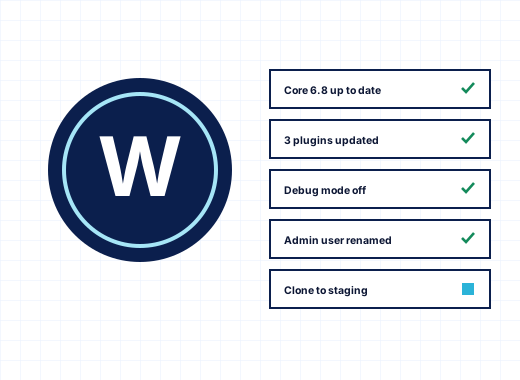
The WordPress Toolkit keeps its own backups for each installation in the subscription's /private/app-backups folder, with the newest ten kept. Every update from the panel saves a restore point first, so a plugin update that breaks a site can be rolled back in one click without restoring the whole subscription. Joomla, Drupal, phpBB and DNN installed from Applications have a Back up button too.
Plesk backups in and out#
The server Backup Manager accepts Plesk backups: the backup_info_….xml.zip file from Plesk for Windows or the .tar file from Plesk for Linux. Restoring one creates the customers, subscriptions, domains, websites, databases, mail accounts and FTP accounts on StackRegent. Accounts whose passwords Plesk encrypted with its own key get new passwords, and the task log lists them as warnings.
In the other direction, a password-protected StackRegent backup has a For Plesk button that writes it in the Plesk for Windows format, including domains, files, PHP and ASP.NET versions, virtual directories, databases and mail. Scheduled tasks and SSL certificates are not included. You are never locked in by your backup format.
For live server-to-server moves, the Migration & Transfer Manager copies accounts over HTTPS from another StackRegent server or from Plesk for Windows. See all StackRegent features, and pricing: every plan includes the full Backup Manager.
Frequently asked questions
Can I back up a Windows hosting server to Amazon S3?
Yes. In Tools & Settings › Backup Manager › Remote Storage choose S3-compatible storage, leave the endpoint empty for Amazon S3 and enter the region, bucket, access keys and folder. Wasabi, MinIO and other S3-compatible services work by entering their endpoint.
Can I restore a StackRegent backup on a different server?
Yes, if the backup was made with a backup password. Backups without a password are sealed with the original server's Windows key and restore only there, so use a password for any backup you may need after a rebuild.
Why do my customers not see the Backup Manager?
The plan permissions Backup and restore using the server storage and Backup and restore using remote storage start off for new plans. Switch them on in the hosting plan or in an add-on and sync the subscriptions.
Do StackRegent backups include SQL Server databases?
Yes. When Databases is ticked, SQL Server databases are written as native .bak files and MariaDB databases as SQL dumps inside the backup archive, and both are restored with the subscription.
Can I restore one website or only the mailboxes from a server backup?
Yes. The restore dialog lets you tick only the subscriptions you need and choose website files, databases and mail messages separately. Configuration is always restored for the subscriptions you pick.
How many backups does a schedule keep?
As many as you set in Keep. Older scheduled backups are removed automatically, 0 keeps all of them, and manual backups are not removed by the schedule.
Can I import a Plesk backup into StackRegent?
Yes. Upload a Plesk for Windows .xml.zip or Plesk for Linux .tar backup in the server Backup Manager and restore it. Customers, subscriptions, domains, files, databases, mail and FTP accounts are created on the new server.